AzureMapsControl.Components 2.0.0-net9.10






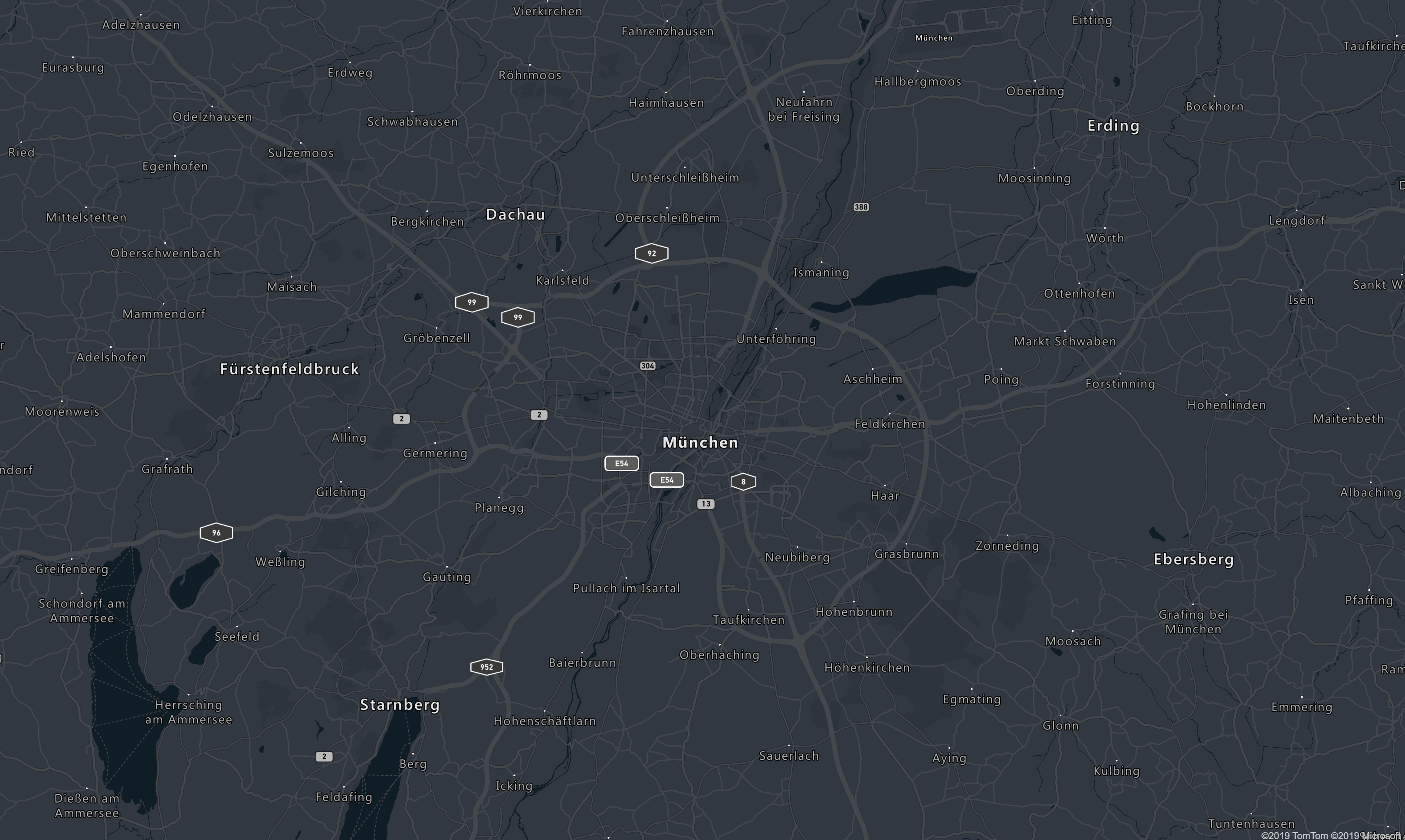
This library allows you to use Azure Maps inside your razor application.
Install the Nuget Package
This library is available on Nuget as AzureMapsControl.Components.
Setup
Add the css and scripts
You will need to add the atlas script and css files as well as the script generated by the library on your application.
<link href="https://atlas.microsoft.com/sdk/javascript/mapcontrol/3/atlas.min.css" rel="stylesheet" />
<script src="https://atlas.microsoft.com/sdk/javascript/mapcontrol/3/atlas.min.js"></script>
<script src="_content/AzureMapsControl.Components/azure-maps-control.js"></script>
Or use the minimized version :
<script src="https://atlas.microsoft.com/sdk/javascript/mapcontrol/3/atlas.min.js"></script>
<script src="_content/AzureMapsControl.Components/azure-maps-control.min.js"></script>
Register the Components
You will need to pass the authentication information of your AzureMaps instance to the library. SubscriptionKey, Aad and Anonymous authentication are supported. You will need to call the AddAzureMapsControl method on your services.
You can authenticate using a subscription key :
    // This method gets called by the runtime. Use this method to add services to the container.
    // For more information on how to configure your application, visit https://go.microsoft.com/fwlink/?LinkID=398940
    public void ConfigureServices(IServiceCollection services)
    {
        services.AddRazorPages();
        services.AddServerSideBlazor();

        services.AddAzureMapsControl(configuration => configuration.SubscriptionKey = "Your Subscription Key");
    }
Or using Azure Active Directory:
public void ConfigureServices(IServiceCollection services)
        {
            services.AddRazorPages();
            services.AddServerSideBlazor(options => options.DetailedErrors = true);

            services.AddAzureMapsControl(configuration => {
                configuration.AadAppId = "Your Aad App Id";
                configuration.AadTenant = "Your Aad Tenant";
                configuration.ClientId = "Your Client Id";
            });
        }
The Anonymous authentication requires only a ClientId:
public void ConfigureServices(IServiceCollection services)
        {
            services.AddRazorPages();
            services.AddServerSideBlazor(options => options.DetailedErrors = true);

            services.AddAzureMapsControl(configuration => configuration.ClientId = Configuration["AzureMaps:ClientId"])
        }
It also needs to fetch the token to send to the requests of the atlas library. For that, you have to override the azureMapsControl.Extensions.getTokenCallback method on your application after referencing azure-maps-control.min.js and resolve the token in it. For example :
@page "/"
@namespace AzureMapsControl.Sample.Pages
@addTagHelper *, Microsoft.AspNetCore.Mvc.TagHelpers
@{
    Layout = null;
}

<!DOCTYPE html>
<html lang="en">
<head>
    <meta charset="utf-8" />
    <meta name="viewport" content="width=device-width, initial-scale=1.0" />
    <title>AzureMapsControl.Sample</title>
    <base href="~/" />
    <link rel="stylesheet" href="https://atlas.microsoft.com/sdk/javascript/mapcontrol/3/atlas.min.css" type="text/css" />
    <link rel="stylesheet" href="https://atlas.microsoft.com/sdk/javascript/drawing/0.1/atlas-drawing.min.css" type="text/css" />
    <style>
        body {
            margin: 0;
        }

        #map {
            position: absolute;
            width: 100%;
            min-width: 290px;
            height: 100%;
        }
    </style>
</head>
<body>
    <app>
        <component type="typeof(App)" render-mode="ServerPrerendered" />
    </app>
    <script src="https://atlas.microsoft.com/sdk/javascript/mapcontrol/3/atlas.min.js"></script>
    <script src="https://atlas.microsoft.com/sdk/javascript/drawing/0.1/atlas-drawing.min.js"></script>
    <script src="_content/AzureMapsControl.Components/azure-maps-control.min.js"></script>
    <script src="_framework/blazor.server.js"></script>
    <script type="text/javascript">
        azureMapsControl.Extensions.getTokenCallback = (resolve, reject, map) => {
            const url = "url_of_my_token_endpoint";
            fetch(url).then(function (response) {
                return response.text();
            }).then(function (token) {
                resolve(token);
            });
        };
    </script>
</body>
</html>
How to use
- Map
- Controls
- Drawing Toolbar
- Html Markers
- Layers
- Sources
- Popups
- Traffic
- Expressions
- Animations
- Indoor Module
Community links
Want to contribute ?
Contributions are welcome! One of the best way to start is to take a look at the list of issues where help is wanted.
If you need a new feature which is not listed on the issues, feel free to open a new one. Take also a look at the Contributing guidelines.
No packages depend on AzureMapsControl.Components.
.NET 9.0
- Microsoft.AspNetCore.Components.Web (>= 9.0.0)
- Microsoft.Extensions.Configuration.Abstractions (>= 9.0.0)
| Version | Downloads | Last updated |
|---|---|---|
| 2.0.0-net9.10 | 50 | 12/12/2025 |
| 2.0.0-net9.9 | 48 | 12/12/2025 |
| 2.0.0-net9.8 | 32 | 12/12/2025 |
| 2.0.0-net9.7 | 35 | 12/12/2025 |
| 2.0.0-net9.6 | 35 | 12/12/2025 |
| 2.0.0-net9.5 | 35 | 12/12/2025 |
| 2.0.0-net9.4 | 36 | 12/12/2025 |
| 2.0.0-net9.3 | 31 | 12/12/2025 |
| 2.0.0-net9.2 | 34 | 12/12/2025 |
| 1.19.0-alpha0005 | 28 | 3/12/2026 |
| 1.19.0-alpha0001 | 33 | 3/12/2026 |
| 1.18.0-beta0001 | 36 | 3/12/2026 |
| 1.18.0-alpha0012 | 28 | 3/12/2026 |
| 1.18.0-alpha0007 | 29 | 3/12/2026 |
| 1.17.1 | 28 | 3/12/2026 |
| 1.17.0 | 41 | 12/10/2025 |
| 1.16.1 | 29 | 12/12/2025 |
| 1.16.0 | 38 | 12/12/2025 |
| 1.16.0-alpha0003 | 34 | 12/12/2025 |
| 1.16.0-alpha0001 | 36 | 12/12/2025 |
| 1.15.0 | 37 | 12/12/2025 |
| 1.15.0-alpha0002 | 37 | 12/12/2025 |
| 1.14.1 | 39 | 12/12/2025 |
| 1.14.0 | 33 | 12/12/2025 |
| 1.14.0-alpha0015 | 29 | 12/12/2025 |
| 1.13.0 | 36 | 12/12/2025 |
| 1.13.0-alpha0001 | 34 | 12/12/2025 |
| 1.12.0 | 38 | 12/12/2025 |
| 1.12.0-alpha0038 | 37 | 12/12/2025 |
| 1.12.0-alpha0028 | 40 | 12/12/2025 |
| 1.12.0-alpha0019 | 37 | 12/12/2025 |
| 1.12.0-alpha0011 | 35 | 12/12/2025 |
| 1.12.0-alpha0004 | 36 | 12/12/2025 |
| 1.12.0-alpha0003 | 34 | 12/12/2025 |
| 1.11.0 | 37 | 12/12/2025 |
| 1.11.0-alpha0015 | 39 | 12/12/2025 |
| 1.10.0 | 36 | 12/12/2025 |
| 1.10.0-net60-alpha0001 | 34 | 12/12/2025 |
| 1.10.0-alpha0010 | 34 | 12/12/2025 |
| 1.9.0 | 38 | 12/11/2025 |
| 1.9.0-alpha0006 | 34 | 12/12/2025 |
| 1.8.3 | 38 | 12/12/2025 |
| 1.8.3-beta0001 | 36 | 12/12/2025 |
| 1.8.2 | 38 | 12/12/2025 |
| 1.8.2-beta0001 | 35 | 12/12/2025 |
| 1.8.1 | 36 | 12/12/2025 |
| 1.8.1-beta0001 | 35 | 12/12/2025 |
| 1.8.0 | 38 | 12/12/2025 |
| 1.8.0-html-marker-laye0001 | 36 | 12/12/2025 |
| 1.8.0-alpha0003 | 36 | 12/12/2025 |
| 1.7.1 | 39 | 12/12/2025 |
| 1.7.1-beta0001 | 37 | 12/12/2025 |
| 1.7.0 | 39 | 12/12/2025 |
| 1.7.0-alpha0014 | 34 | 12/12/2025 |
| 1.7.0-alpha0004 | 34 | 12/12/2025 |
| 1.7.0-alpha0001 | 35 | 12/12/2025 |
| 1.6.1 | 36 | 12/12/2025 |
| 1.6.1-beta0001 | 35 | 12/12/2025 |
| 1.6.0 | 38 | 12/12/2025 |
| 1.6.0-alpha0050 | 39 | 12/12/2025 |
| 1.6.0-alpha0031 | 36 | 12/12/2025 |
| 1.6.0-alpha0015 | 32 | 12/12/2025 |
| 1.5.2 | 36 | 12/12/2025 |
| 1.5.2-beta0001 | 40 | 12/12/2025 |
| 1.5.1 | 37 | 12/12/2025 |
| 1.5.1-beta0001 | 41 | 12/12/2025 |
| 1.5.0 | 36 | 12/12/2025 |
| 1.5.0-alpha0016 | 36 | 12/12/2025 |
| 1.4.0 | 37 | 12/12/2025 |
| 1.4.0-alpha0005 | 36 | 12/12/2025 |
| 1.3.0 | 35 | 12/12/2025 |
| 1.3.0-beta0003 | 41 | 12/12/2025 |
| 1.3.0-beta0002 | 38 | 12/12/2025 |
| 1.3.0-beta0001 | 37 | 12/12/2025 |
| 1.3.0-alpha0001 | 33 | 12/12/2025 |
| 1.2.0 | 34 | 12/12/2025 |
| 1.2.0-alpha0004 | 36 | 12/12/2025 |
| 1.1.0 | 39 | 12/12/2025 |
| 1.1.0-alpha0015 | 40 | 12/12/2025 |
| 1.0.0 | 36 | 12/12/2025 |
| 1.0.0-beta0008 | 36 | 12/12/2025 |
| 1.0.0-beta0007 | 36 | 12/12/2025 |
| 1.0.0-beta0006 | 36 | 12/12/2025 |
| 1.0.0-beta0005 | 35 | 12/12/2025 |
| 1.0.0-beta0004 | 38 | 12/12/2025 |
| 1.0.0-beta0003 | 41 | 12/12/2025 |
| 1.0.0-beta0002 | 34 | 12/12/2025 |
| 1.0.0-beta0001 | 32 | 12/12/2025 |
| 0.17.1 | 41 | 12/12/2025 |
| 0.17.1-beta0001 | 31 | 12/12/2025 |
| 0.17.0 | 40 | 12/12/2025 |
| 0.16.0 | 33 | 12/12/2025 |
| 0.15.0 | 35 | 12/12/2025 |
| 0.15.0-alpha0038 | 38 | 12/12/2025 |
| 0.14.0 | 36 | 12/12/2025 |
| 0.14.0-alpha0003 | 38 | 12/12/2025 |
| 0.13.0 | 34 | 12/12/2025 |
| 0.13.0-alpha0001 | 39 | 12/12/2025 |
| 0.12.0 | 37 | 12/12/2025 |
| 0.12.0-typescript0001 | 38 | 12/12/2025 |
| 0.12.0-publish-typescri0001 | 38 | 12/12/2025 |
| 0.12.0-alpha0018 | 43 | 12/12/2025 |
| 0.11.0 | 35 | 12/12/2025 |
| 0.11.0-alpha0003 | 43 | 12/12/2025 |
| 0.10.1 | 34 | 12/12/2025 |
| 0.10.0 | 33 | 12/12/2025 |
| 0.10.0-alpha0011 | 34 | 12/12/2025 |
| 0.10.0-alpha0005 | 30 | 12/12/2025 |
| 0.9.0 | 35 | 12/12/2025 |
| 0.9.0-alpha0013 | 34 | 12/12/2025 |
| 0.9.0-alpha0006 | 37 | 12/12/2025 |
| 0.9.0-alpha0003 | 34 | 12/12/2025 |
| 0.8.1 | 38 | 12/12/2025 |
| 0.8.0 | 41 | 12/12/2025 |
| 0.8.0-beta0001 | 34 | 12/12/2025 |
| 0.8.0-alpha0005 | 37 | 12/12/2025 |
| 0.7.1 | 32 | 12/12/2025 |
| 0.7.0 | 35 | 12/12/2025 |
| 0.7.0-beta0001 | 35 | 12/12/2025 |
| 0.7.0-alpha0002 | 40 | 12/12/2025 |
| 0.6.0-beta0001 | 37 | 12/12/2025 |
| 0.6.0-alpha0005 | 35 | 12/12/2025 |
| 0.6.0-alpha0001 | 39 | 12/12/2025 |
| 0.5.2 | 35 | 12/12/2025 |
| 0.5.1 | 31 | 12/12/2025 |
| 0.5.0 | 34 | 12/12/2025 |
| 0.4.0 | 37 | 12/12/2025 |
| 0.3.0-beta0001 | 40 | 12/12/2025 |
| 0.3.0-alpha0019 | 39 | 12/12/2025 |
| 0.3.0-alpha0010 | 39 | 12/12/2025 |
| 0.3.0-alpha0004 | 39 | 12/12/2025 |
| 0.2.0 | 36 | 12/12/2025 |
| 0.2.0-beta0003 | 37 | 12/12/2025 |
| 0.2.0-beta0002 | 40 | 12/12/2025 |
| 0.2.0-beta0001 | 40 | 12/12/2025 |
| 0.1.0 | 42 | 12/12/2025 |
| 0.1.0-beta0002 | 41 | 12/12/2025 |
| 0.1.0-beta0001 | 42 | 12/12/2025 |
| 0.1.0-alpha0236 | 38 | 12/12/2025 |
| 0.1.0-alpha0116 | 38 | 12/12/2025 |
| 0.1.0-alpha0112 | 35 | 12/12/2025 |
| 0.1.0-alpha0097 | 38 | 12/12/2025 |
| 0.1.0-alpha0091 | 36 | 12/12/2025 |
| 0.1.0-alpha0090 | 35 | 12/12/2025 |
| 0.1.0-alpha0089 | 33 | 12/12/2025 |
| 0.1.0-alpha0088 | 41 | 12/12/2025 |
| 0.1.0-alpha0087 | 42 | 12/12/2025 |
| 0.1.0-alpha0086 | 40 | 12/12/2025 |
| 0.1.0-alpha0085 | 40 | 12/12/2025 |
| 0.1.0-alpha0084 | 39 | 12/11/2025 |
| 0.1.0-alpha0083 | 36 | 12/12/2025 |
| 0.1.0-alpha0082 | 37 | 12/12/2025 |
| 0.1.0-alpha0081 | 40 | 12/12/2025 |
| 0.1.0-alpha0080 | 35 | 12/12/2025 |
| 0.1.0-alpha0079 | 35 | 12/12/2025 |
| 0.1.0-alpha0077 | 34 | 12/12/2025 |
| 0.1.0-alpha0076 | 36 | 12/12/2025 |
| 0.1.0-alpha0074 | 43 | 12/12/2025 |
| 0.1.0-alpha0071 | 46 | 12/12/2025 |
| 0.0.1-ci-20201106.2 | 37 | 12/12/2025 |
| 0.0.1-ci-20201106.1 | 36 | 12/12/2025 |
| 0.0.1-ci-20201105.7 | 29 | 12/12/2025 |
| 0.0.1-ci-20201105.6 | 45 | 12/12/2025 |
| 0.0.1-ci-20201105.5 | 36 | 12/12/2025 |
| 0.0.1-ci-20201105.4 | 34 | 12/12/2025 |
| 0.0.1-ci-20201105.3 | 35 | 12/12/2025 |
| 0.0.1-ci-20201105.2 | 34 | 12/12/2025 |
| 0.0.1-ci-20201105.1 | 37 | 12/12/2025 |
| 0.0.1-ci-20201104.2 | 32 | 12/12/2025 |
| 0.0.1-ci-20201104.1 | 37 | 12/12/2025 |
| 0.0.1-ci-20201030.5 | 41 | 12/12/2025 |
| 0.0.1-ci-20201030.4 | 34 | 12/12/2025 |
| 0.0.1-ci-20201030.3 | 34 | 12/12/2025 |
| 0.0.1-ci-20201030.2 | 38 | 12/12/2025 |
| 0.0.1-ci-20201030.1 | 33 | 12/12/2025 |
| 0.0.1-ci-20201029.3 | 33 | 12/12/2025 |
| 0.0.1-ci-20201029.2 | 39 | 12/12/2025 |
| 0.0.1-ci-20201029.1 | 35 | 12/12/2025 |
| 0.0.1-ci-20201028.1 | 39 | 12/12/2025 |
| 0.0.1-ci-20201027.1 | 34 | 12/12/2025 |
| 0.0.1-ci-20201026.2 | 33 | 12/12/2025 |
| 0.0.1-ci-20201026.1 | 43 | 12/12/2025 |
| 0.0.1-ci-20201023.2 | 30 | 12/12/2025 |
| 0.0.1-ci-20201023.1 | 37 | 12/12/2025 |
| 0.0.1-ci-20201022.1 | 39 | 12/12/2025 |
| 0.0.1-ci-20201008.1 | 39 | 12/12/2025 |
| 0.0.1-ci-20201005.1 | 37 | 12/12/2025 |
| 0.0.1-ci-20200407.1 | 34 | 12/12/2025 |
| 0.0.1-ci-20200406.3 | 41 | 12/12/2025 |
| 0.0.1-ci-20200406.2 | 34 | 12/12/2025 |
| 0.0.1-ci-20200406.1 | 36 | 12/12/2025 |
| 0.0.1-ci-20200403.5 | 32 | 12/12/2025 |
| 0.0.1-ci-20200403.4 | 39 | 12/12/2025 |
| 0.0.1-ci-20200403.3 | 33 | 12/12/2025 |
| 0.0.1-ci-20200403.2 | 37 | 12/12/2025 |
| 0.0.1-ci-20200403.1 | 33 | 12/12/2025 |
| 0.0.1-ci-20200402.2 | 43 | 12/11/2025 |
| 0.0.1-ci-20200402.1 | 35 | 12/12/2025 |